Upload Extracted Data and Generate Reports
You can now upload completed extraction workbooks to new EasySLR projects using the Upload DEG tool and generate reports from your imported data. This lets you use data extracted outside EasySLR without repeating the extraction process.
What’s New
Import Extraction Workbooks
Upload completed data extraction workbook directly into a new project. EasySLR processes the workbook in the background and maps its structure into an extraction form.
Automatically Create the Extraction Form and Articles.
A successful import creates:
An extraction form based on the mapped workbook structure.
The corresponding source articles.
The form and articles are created together in a single operation.
How It Works
Create a new project.
Access the Upload DEG tool.
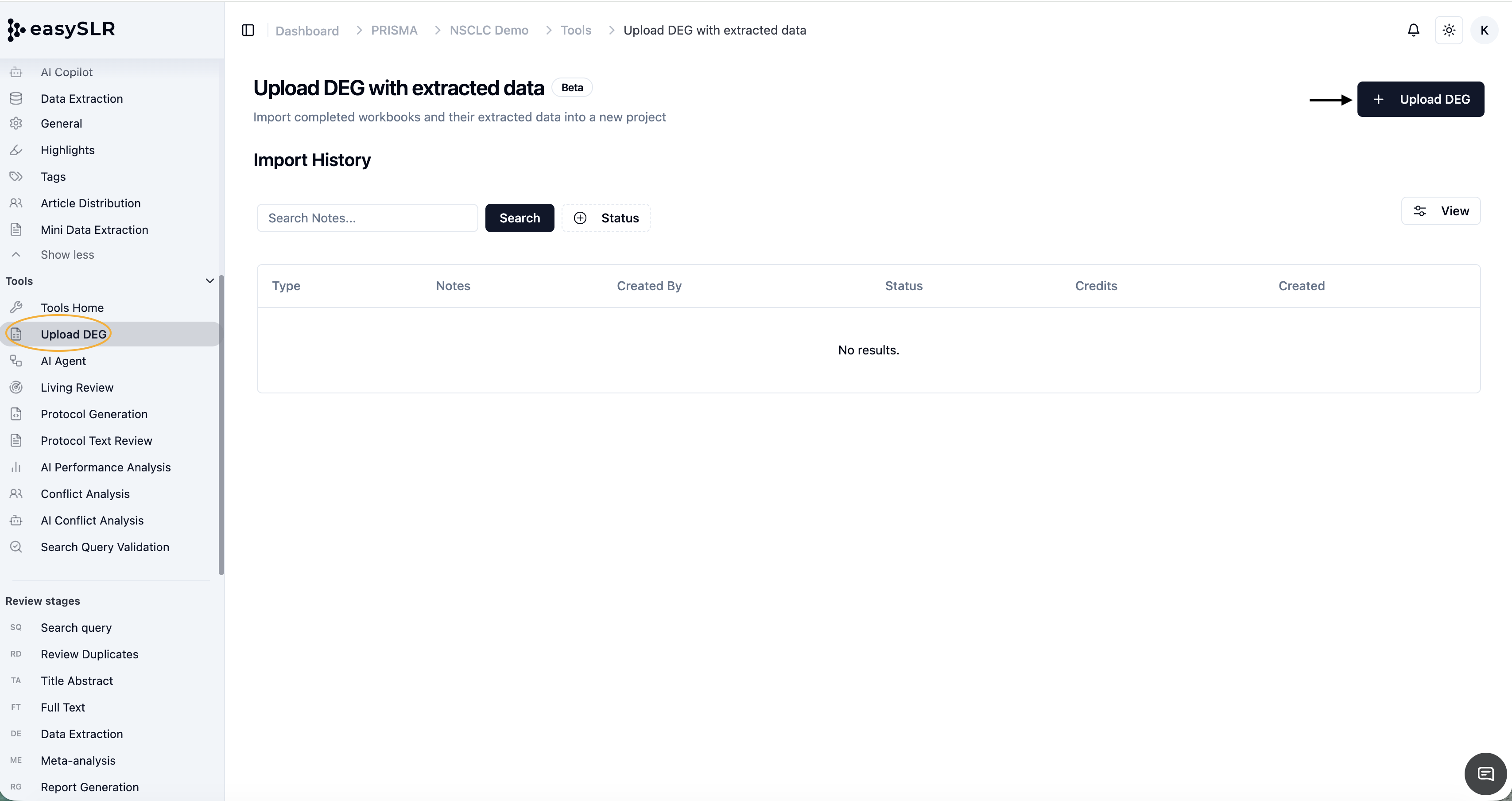
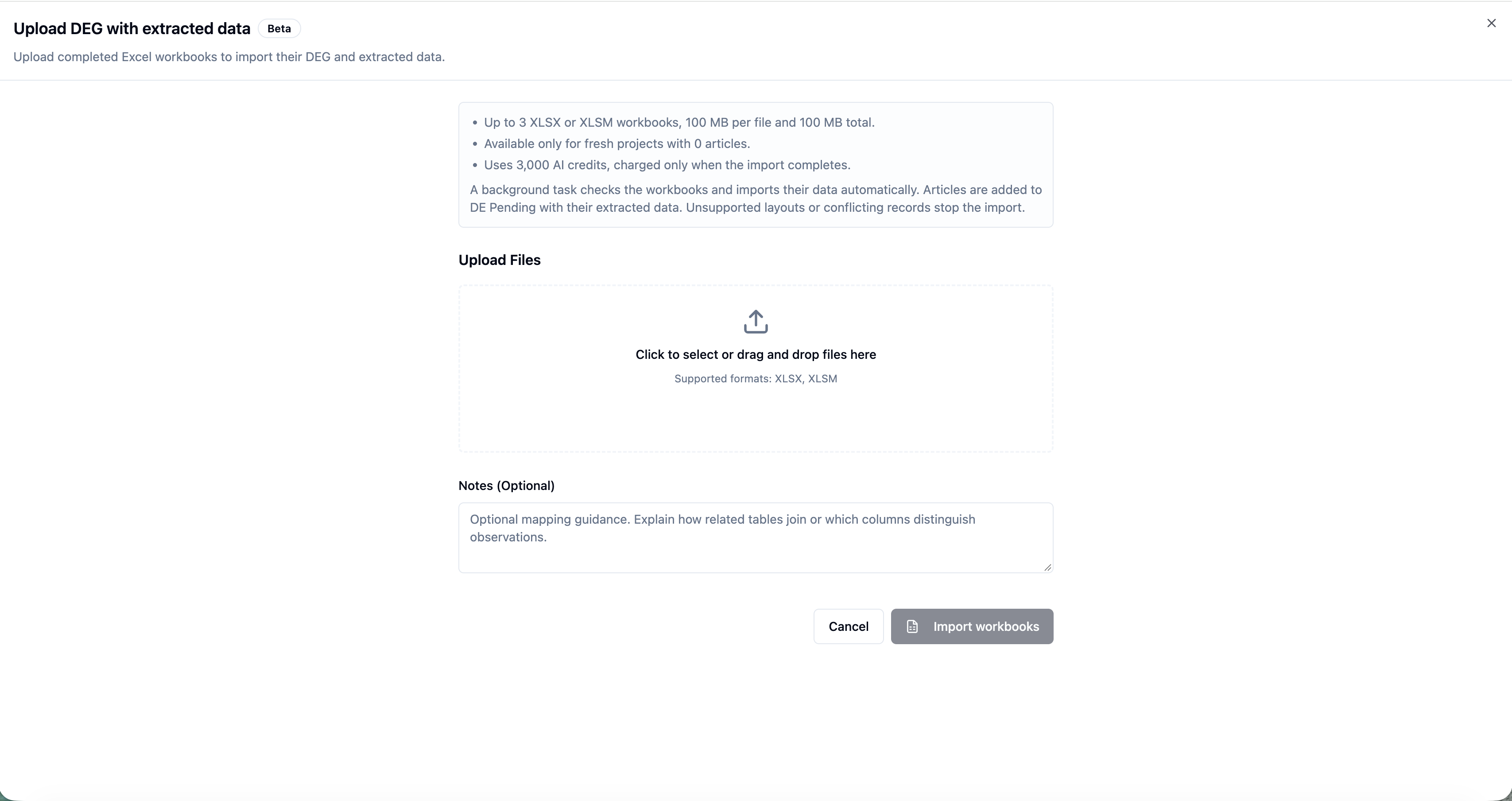
Upload your workbook.
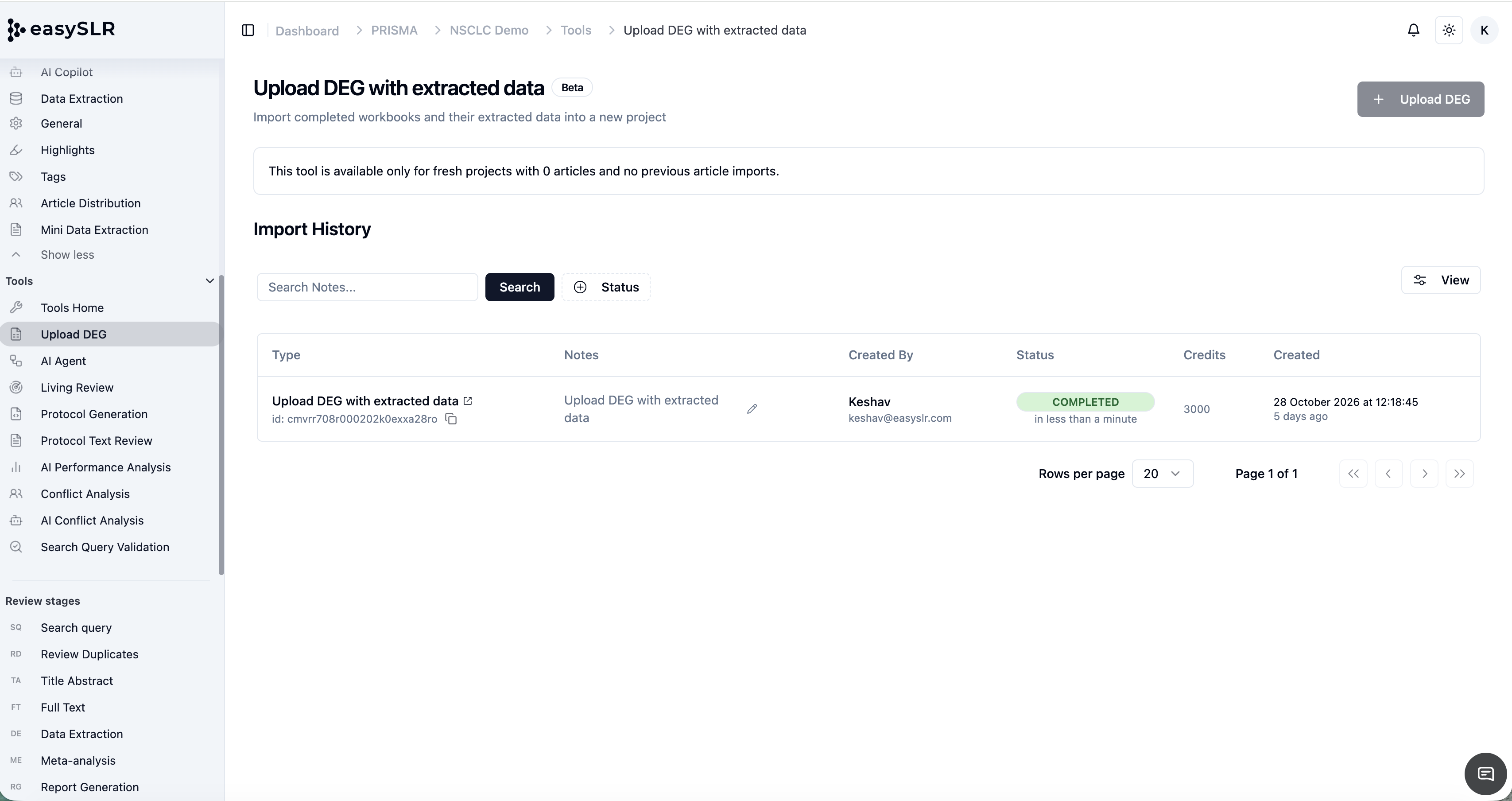
Review the imported data.
Generate a report.
Note: Importing a workbook does not automatically generate a report.
Availability and Limitations
Import is available for new projects only.
Supported file formats are XLSX and XLSM.
You can replace an uploaded workbook by deleting it and uploading a new one.
A protocol is also required to generate a report.
Report generation remains a separate action.