Report Generation
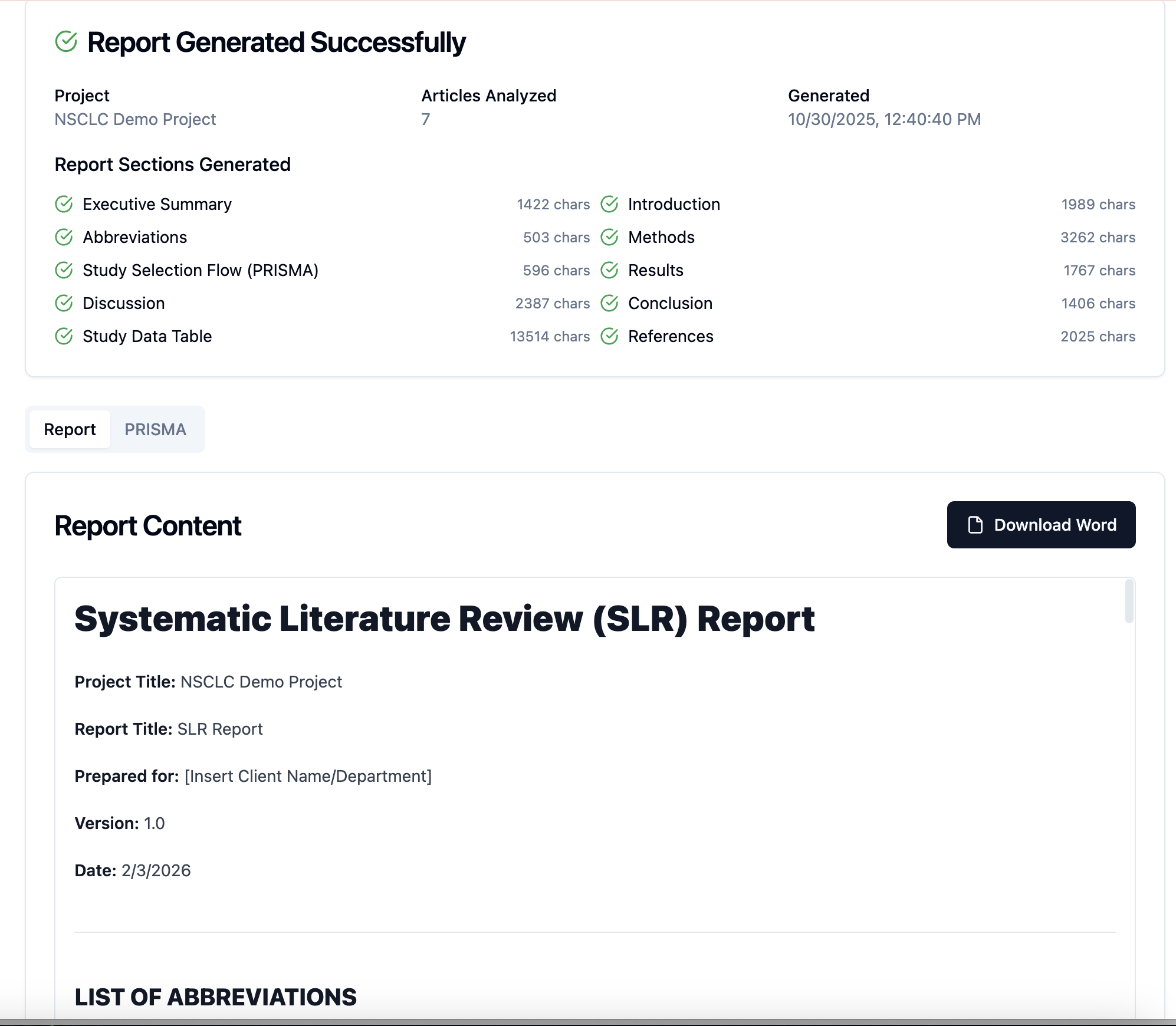
We’ve introduced a powerful new Report Generation feature designed to help you create structured, publication-ready reports directly from your project data with just one click.
This new capability automatically compiles extracted data, screening outcomes, PRISMA flow details, and study summaries into a single, editable Word document, saving significant time and ensuring consistency across reviews.
Key Benefits
Automatically generate well-organized, standardized reports with minimal manual effort
Quickly create study summaries for client submissions or publications
Export reports in Microsoft Word for easy editing and final formatting
What’s Included in the Generated Report
Executive Summary
Methods section auto-populated from your protocol
Results overview including study characteristics
PRISMA flow diagram data
Discussion & Conclusion sections
How to Use
Go to Report Generation in your project
Click Generate Report
Once processing is complete, select Download (Word)
You can freely edit the downloaded document to match your publication or client formatting needs.