Go Back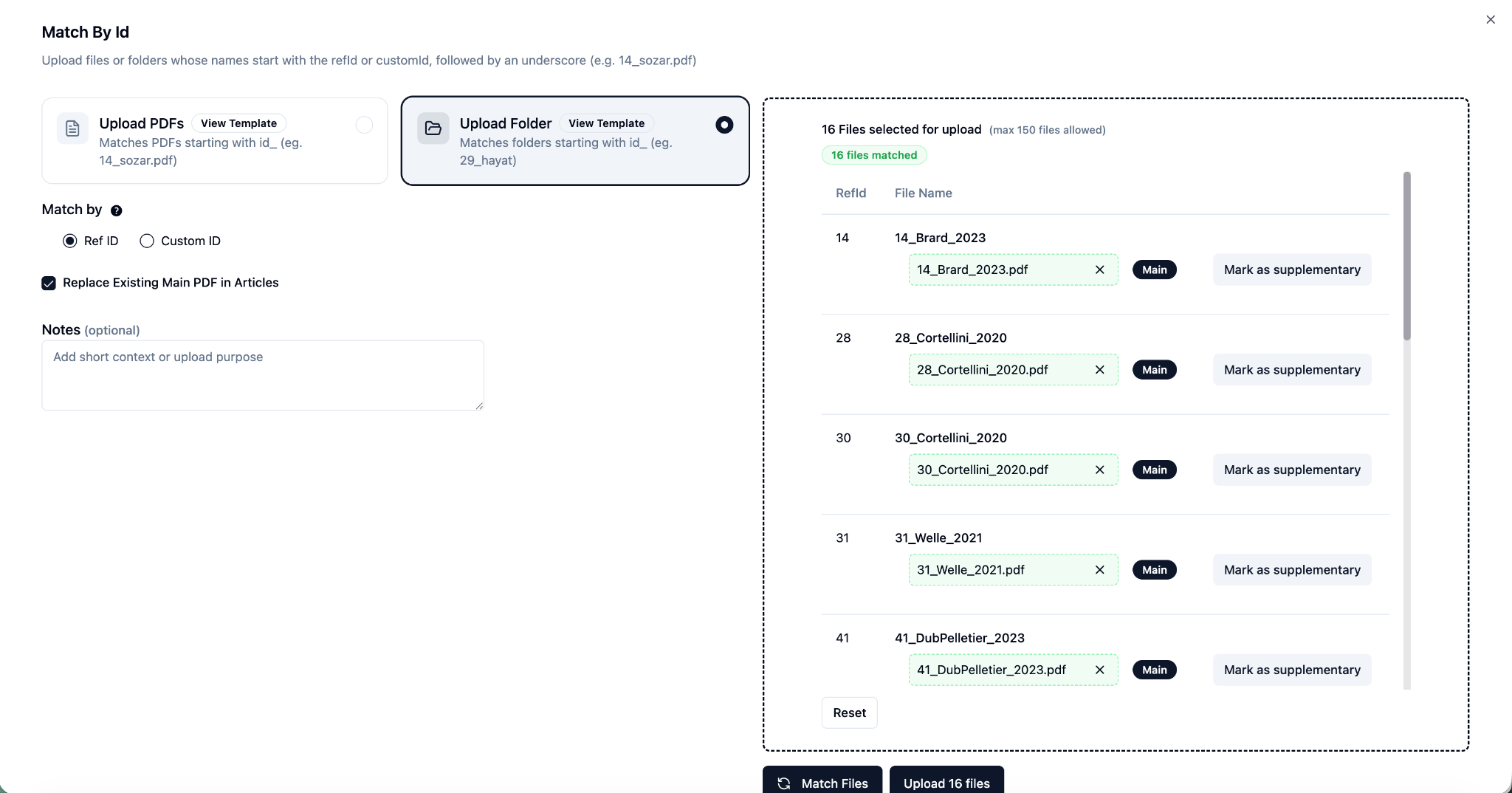
RefId-Linked PDF & Supplementary File Upload
EnhancementChangelog
We’re excited to introduce the RefId-Based PDF Folder Upload feature — designed to make managing and linking your PDFs faster.
With this new capability, you can now upload an entire folder containing PDFs and supplementary files in one go. EasySLR automatically scans and matches files to their corresponding citations based on RefIds — saving valuable time, especially for large projects.
How It Works:
Navigate to Uploads > Full Text > Match By Id.
Click “Add Upload”, select the “Upload Folder” option and upload the folders containing your PDFs and supplementary files.
EasySLR automatically scans the folder, matches files to citations, and displays matched and unmatched records.
Click “Upload Files” to complete the process.