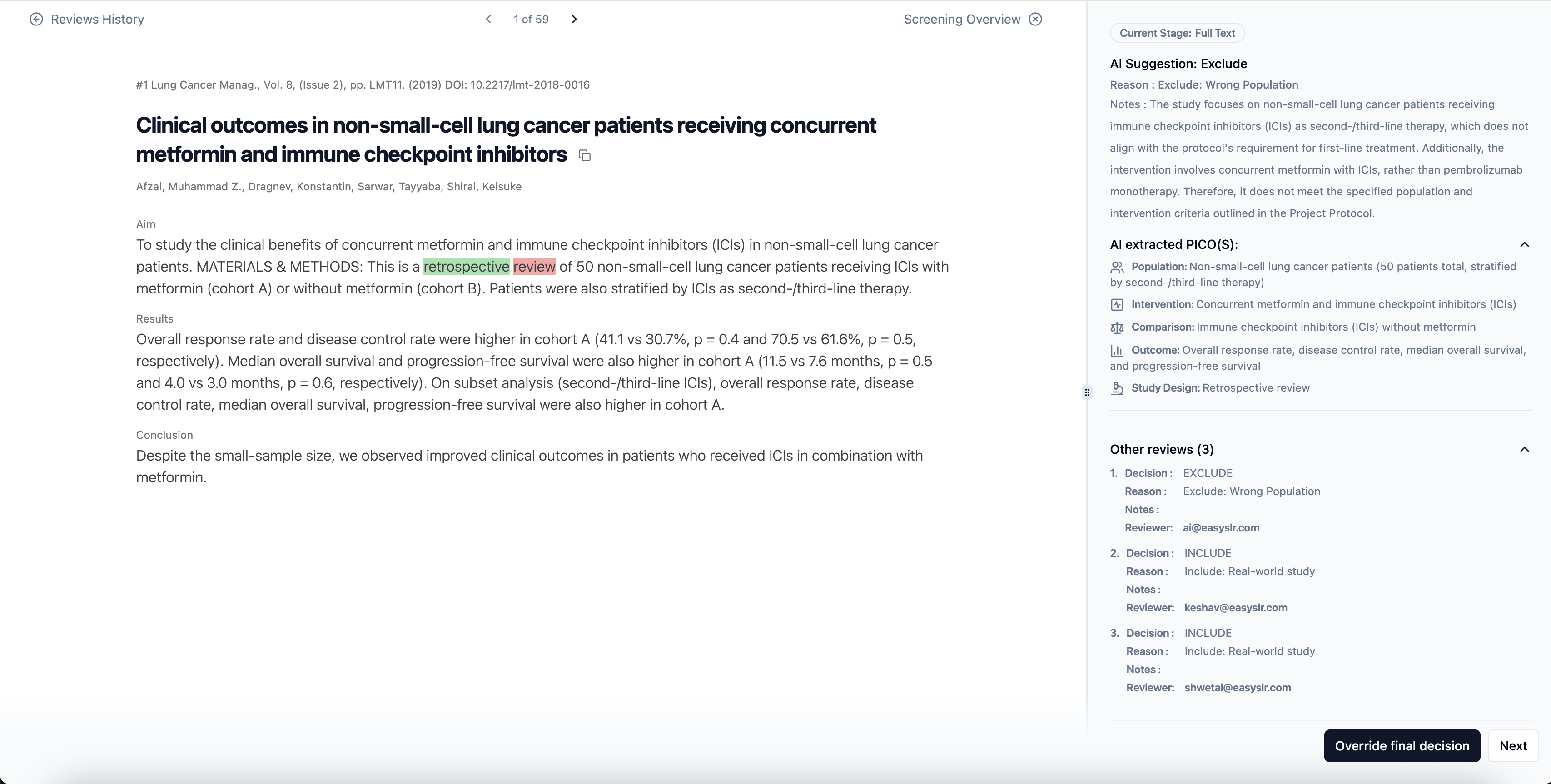
Quality Check (QC) in EasySLR
inclusion/exclusion decisions made during both Title–Abstract and Full-Text screening stages — ensuring protocol compliance, consistency, and audit readiness.
Why Use QC?
QC helps maintain the integrity of your review by allowing you to:
Verify that reviewer decisions strictly follow the protocol.
Audit or validate AI-generated inclusion/exclusion decisions.
Generate clean, audit-ready datasets for clients or publications.
Who Can Perform QC?
Only Project Owners can perform QC actions.
Available at both TiAb and Full-Text stages.
When Are Articles Eligible for QC?
QC can be performed only after final decisions are made at the current stage:
At TiAb: Included (moved to Full-Text) or Excluded articles.
At Full-Text: Included (moved to Data Extraction) or Excluded articles.
How to Access QC:
Open your project.
Navigate to the TiAb or Full-Text review stage.
Click the QC tab.
Use filters to locate specific articles.
Override decisions as needed.