Protocol View in QC Window (via Info “i” Button)
We’ve added quick access to the study protocol directly within the QC window, making quality checks faster and more context-aware.
What’s New
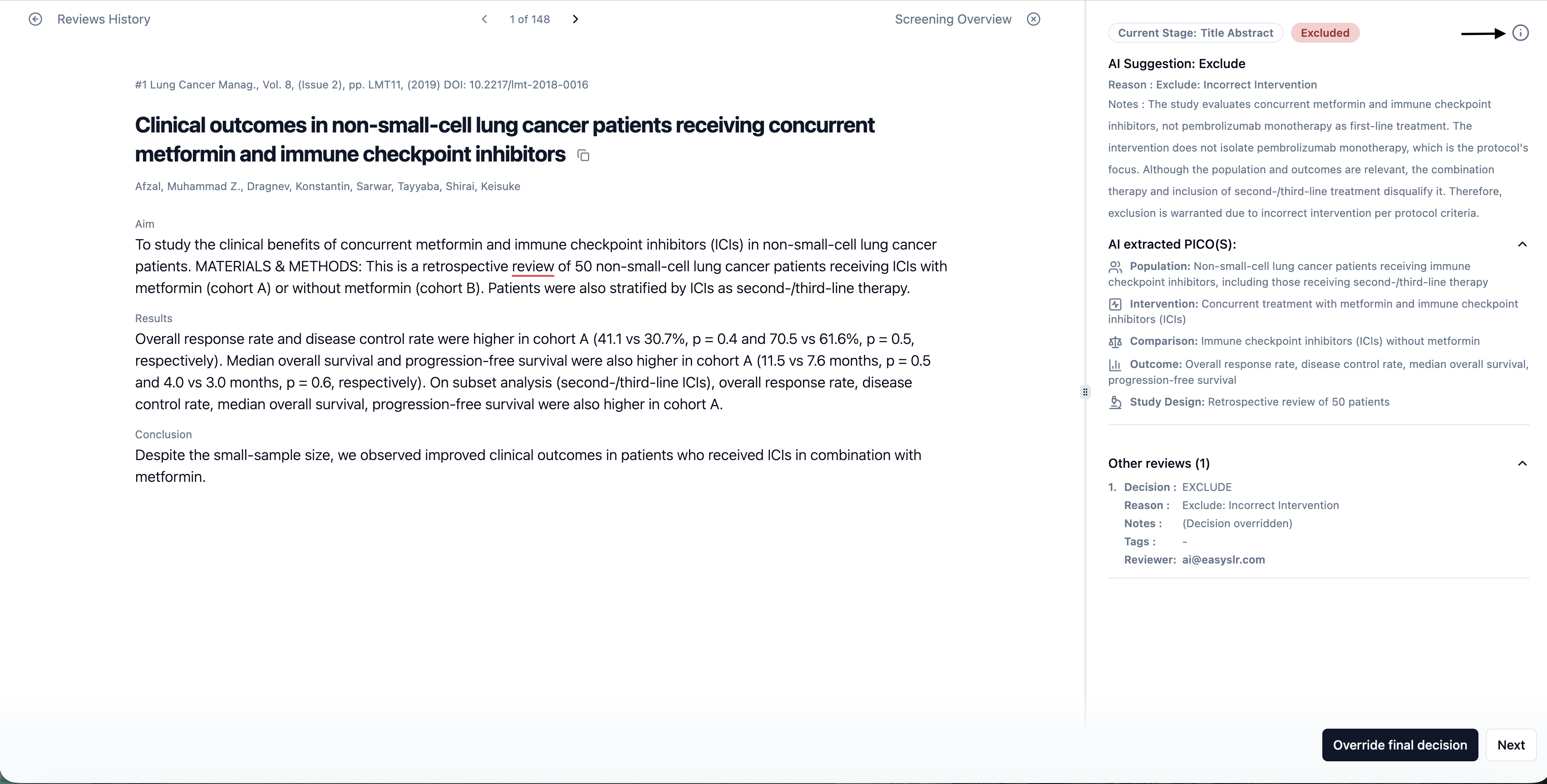
Instant Protocol Access During QC
Info (“i”) button is now available in the QC window. Clicking this button opens the protocol view for the current project, allowing reviewers to reference protocol details without leaving the QC workflow.
Why This Matters
Reduces the need to switch tabs or navigate away from the QC screen
Helps ensure QC decisions align with the approved protocol
Minimises errors caused by misinterpretation or memory gaps
Improves speed and confidence during the QC process
Impact on Existing Workflows
No changes to existing QC steps
Protocol is read-only and cannot be edited from the QC window
Works across all screening stages where QC is enabled