Link Full-Texts (Within the Full-Text Screening View)
You can now link related studies directly within the full-text screening window in EasySLR. This enhancement enables teams to connect associated publications and review them together during the full-text assessment stage.
What’s Improved
Linked articles are now visible within the Full-Text Screening view
Access the Linked article(s) option near the article title
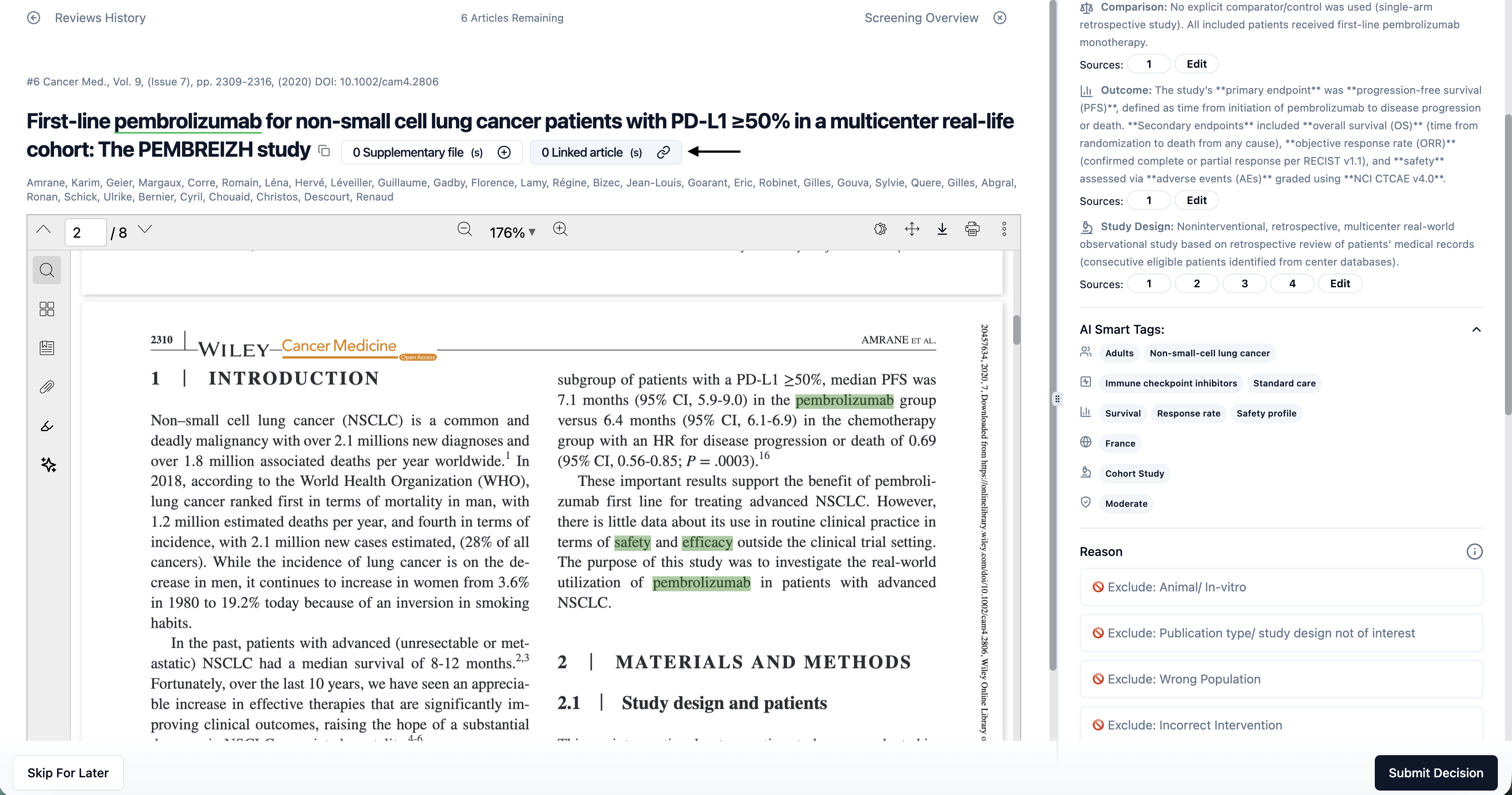
Open the Linked Articles panel
Use Link Article + to connect related studies
Linked records remain connected for easy reference
Link Studies from the Full-Text Dashboard
Select multiple articles using checkboxes
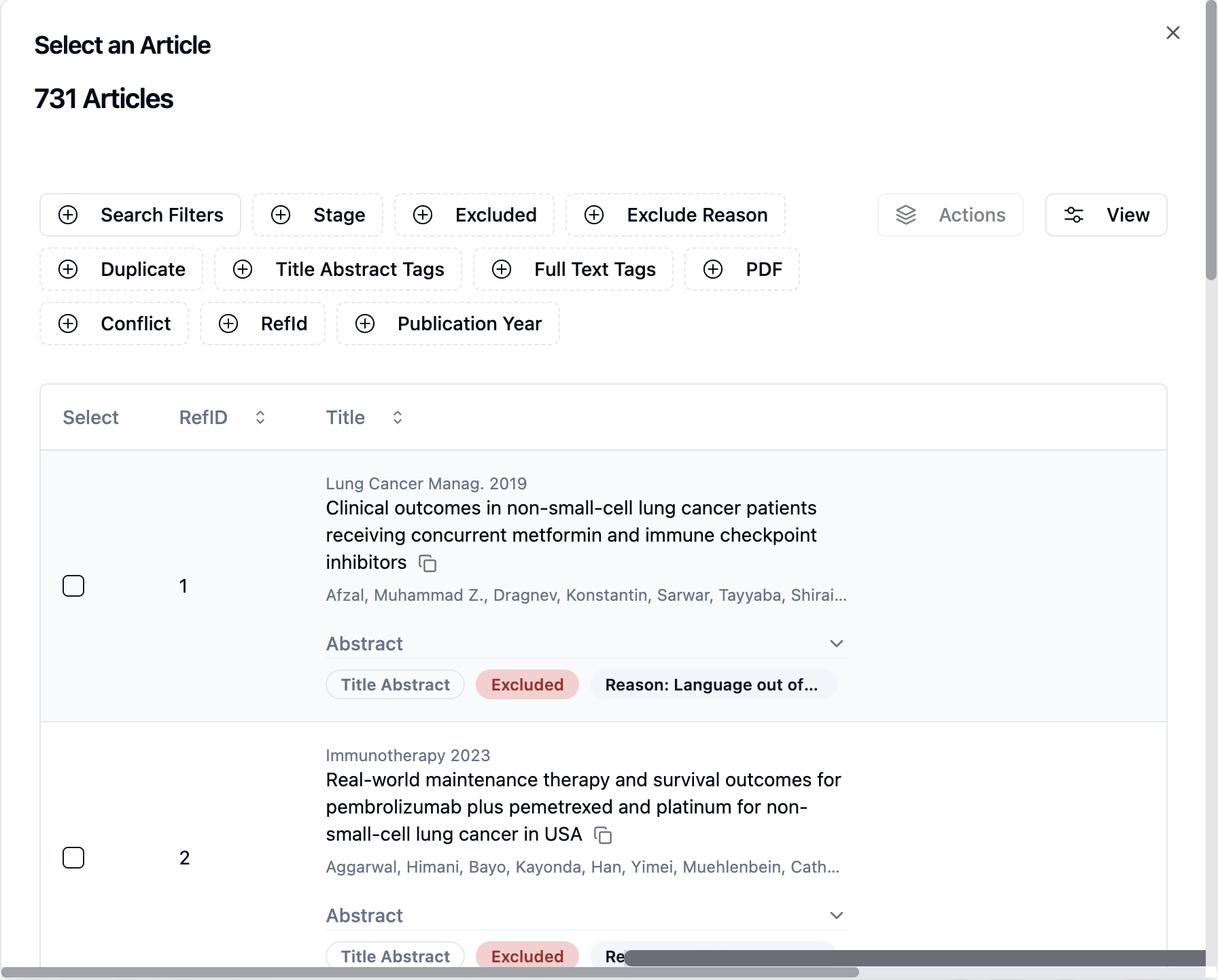
Use the Actions → Link Articles option
Alternatively, link individually using the Select option next to each article
Unlink at Any Time
Open the Linked Articles panel
Click Unlink next to a study
Confirm removal
Export & Reporting Support
Linked studies are included in exports and reports
Connections remain traceable within the project
Why This Matters
This enhancement helps teams:
Organise related studies within a review
Connect companion papers or subgroup analyses
Improve traceability across linked publications
Review associated records without navigating away
Maintain structured documentation for reporting
This update improves workflow efficiency and ensures related research is managed cohesively within EasySLR.