Google & Microsoft Authentication Now Available
Logging into EasySLR is now faster and more convenient with Google and Microsoft authentication.
What’s New
Sign in with Google or Microsoft
Users can now securely log in using their existing Google or Microsoft accounts—no need to wait for the OTP.
Seamless onboarding for new users
New users can quickly create an account and get started in just a few clicks using their preferred login method.
Key Benefits
Faster login experience
Enhanced security
Improved user experience
Reduced friction in onboarding
How to Enable / Use
Go to the Settings in the Organisation
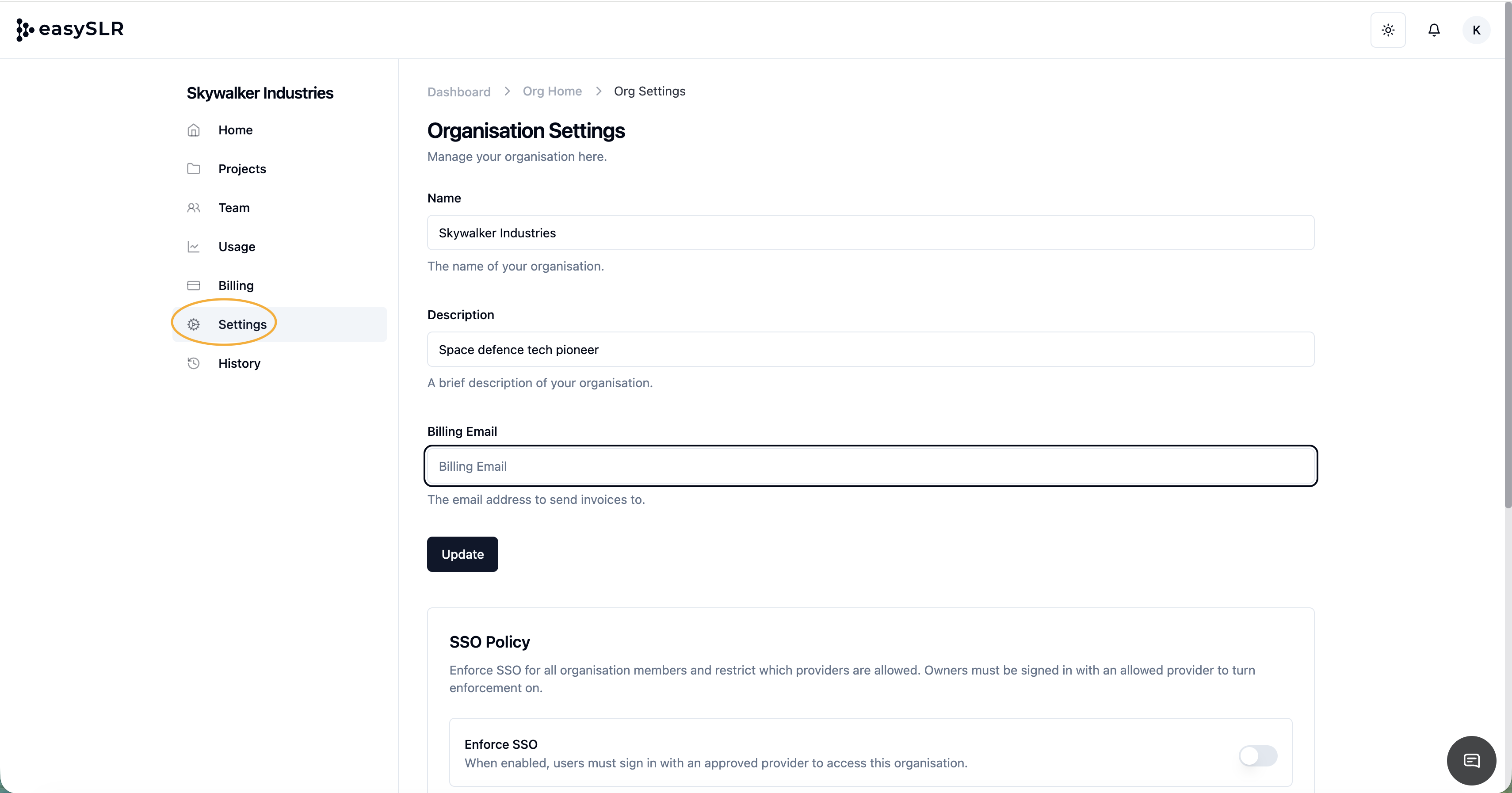
Scroll down to the find the SSO and Authentication methods
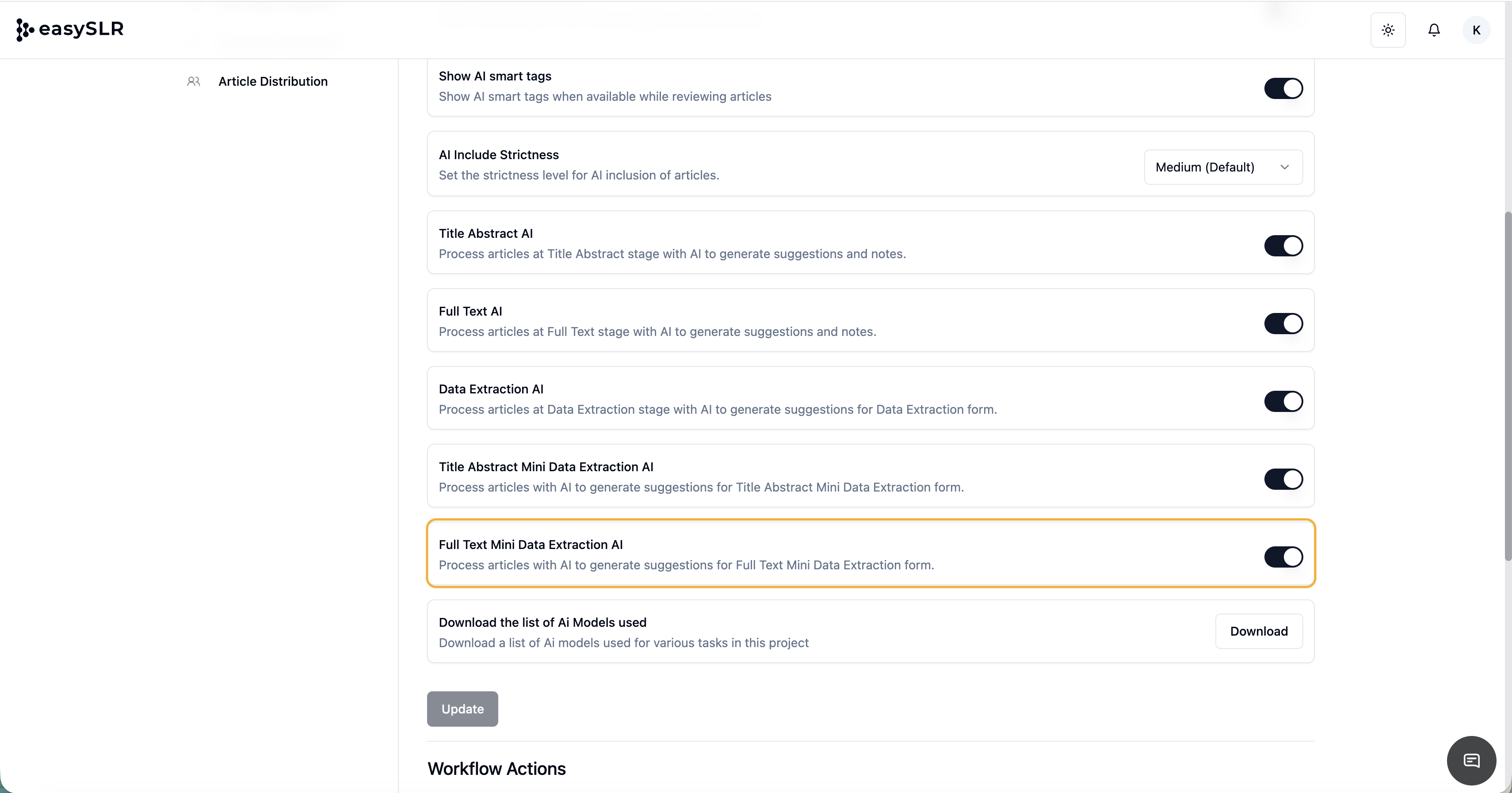
Select your account and grant necessary permissions
Setup Notes
Google Authentication: No additional configuration is required. Once enabled, users can directly log in using their work email associated with Google.
Microsoft Authentication: Requires a Tenant ID, which can be obtained from your Microsoft account or Azure portal before setup.
Refer to this link for a step-by-step guide on how to find your Microsoft Tenant ID: https://learn.microsoft.com/en-us/entra/fundamentals/how-to-find-tenant