Easier Project Setup, Reusable Templates, and an Updated AI Agent Workspace
Project creation is now simpler and faster, with three guided options: Manual setup, Organisation template, and AI agent. Teams can save time during project setup by reusing saved settings and importing extraction forms, then manage AI runs from one workspace.
Easier project creation
Enter project details and choose setup options in one dialog.
Choose from four review setups: one human reviewer, two human reviewers, AI reviewer only, or one human reviewer plus an AI reviewer.
Add an optional AI assistant when using human reviewers.
Use shared settings for title/abstract and full-text screening, or configure them separately.
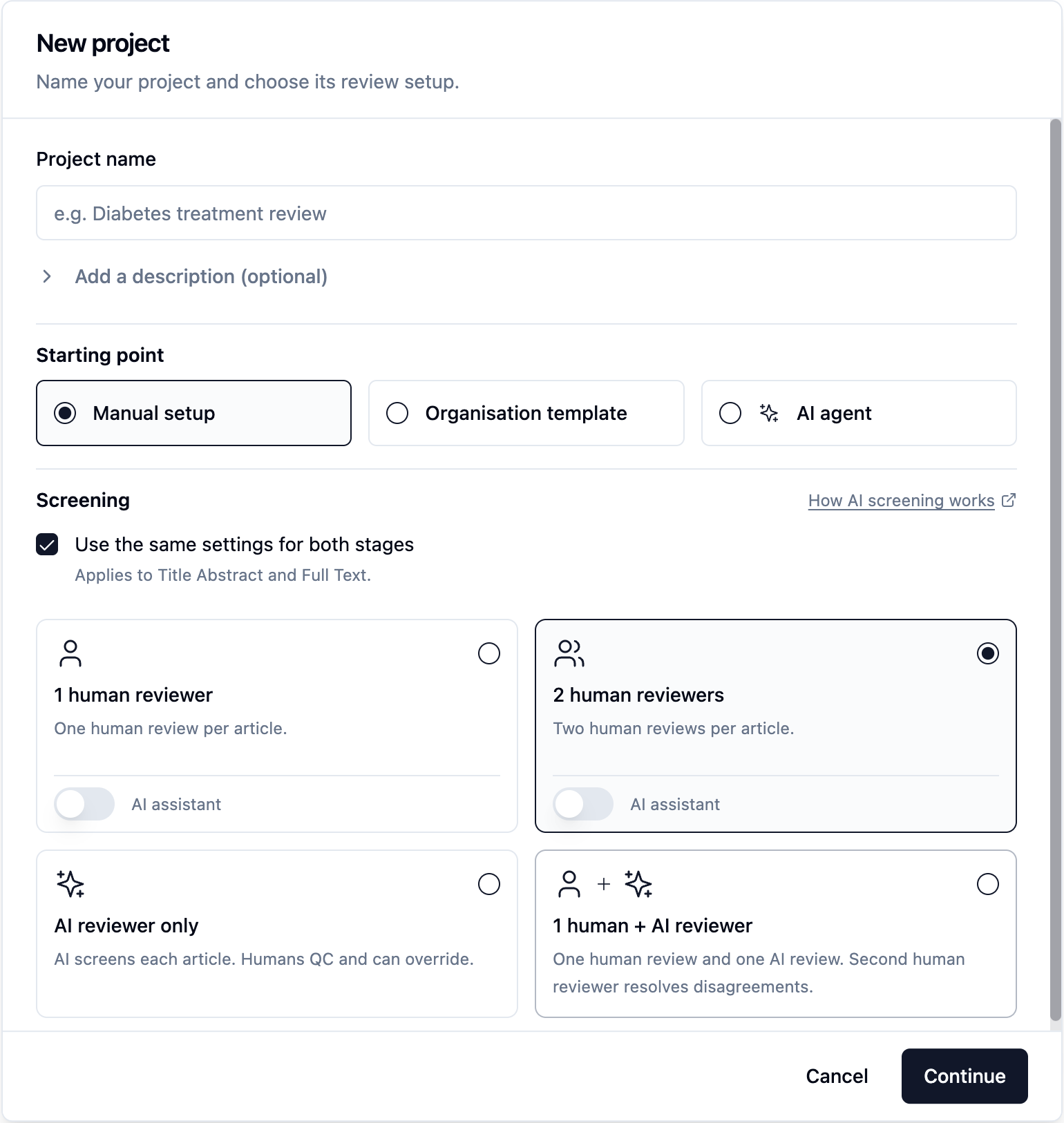
Guided manual setup
Follow guided steps to configure review reasons and protocols where needed.
Use sample reasons and preview sample protocols before adding them.
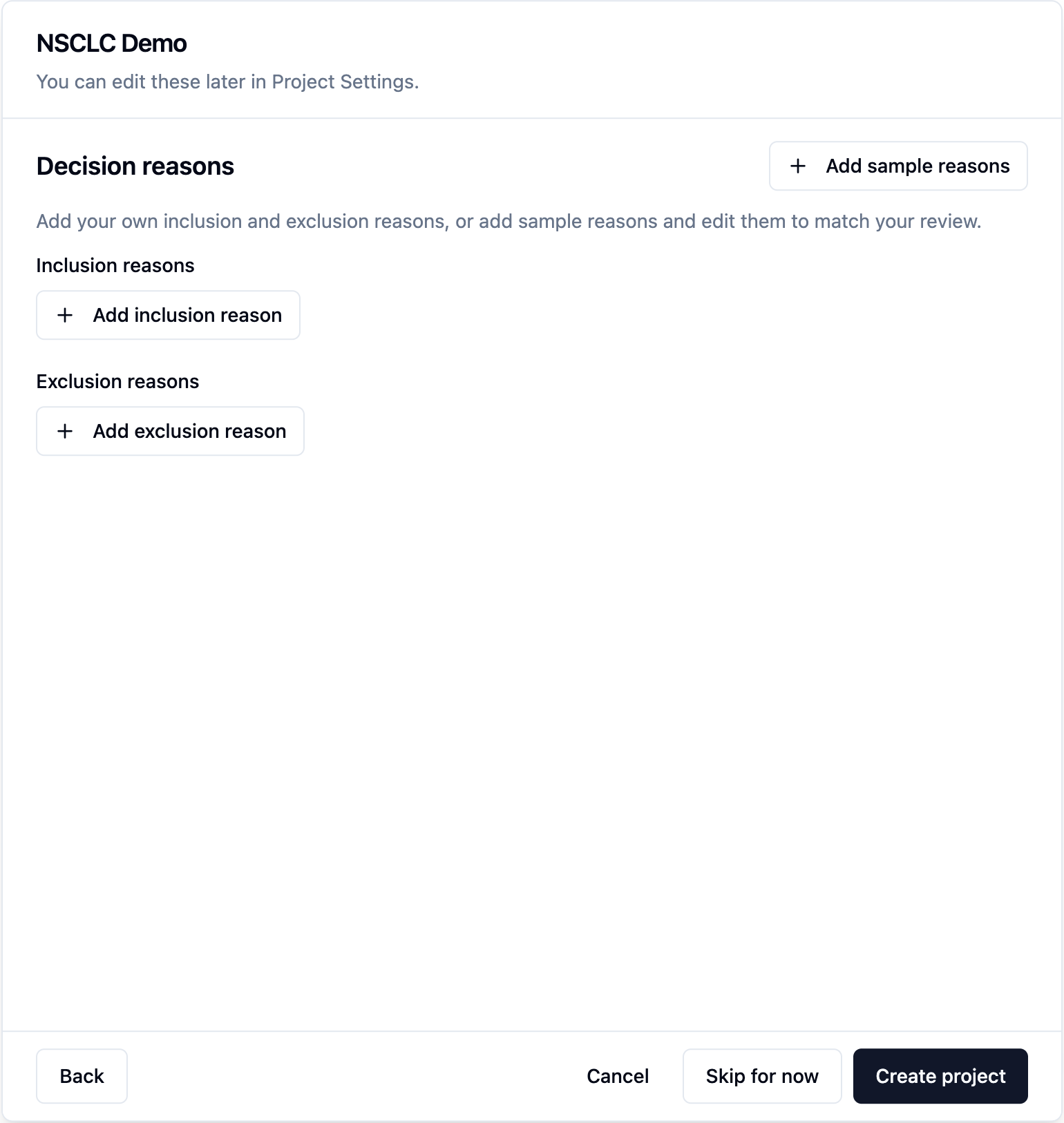
Choose Skip for now for supported steps.
Required criteria are checked when you submit the setup. Skipping a step does not remove the requirements needed to run AI later.
A protocol is not required during setup if AI is not enabled.
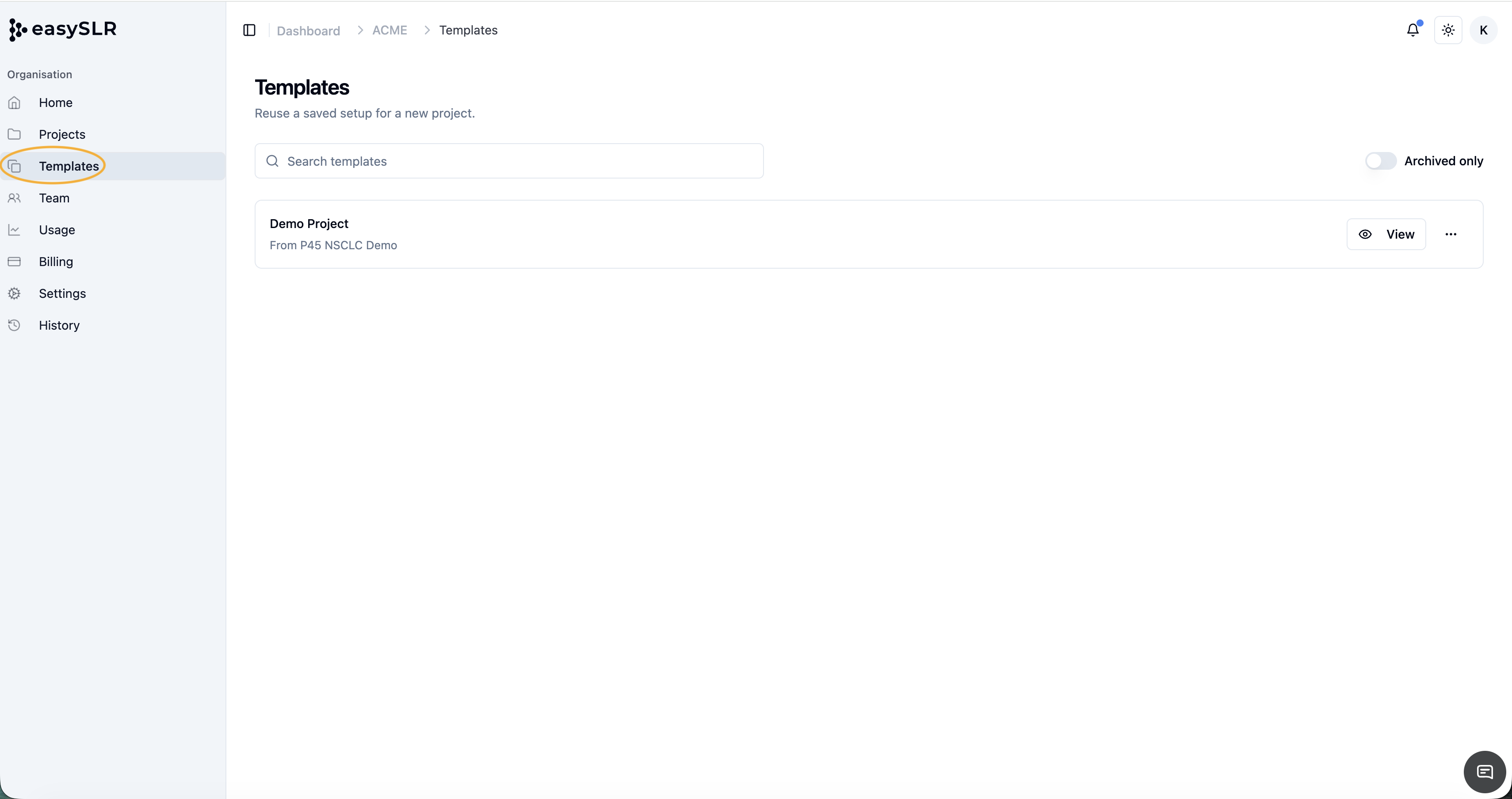
Create projects from organisation templates
Preview a template before selecting it.
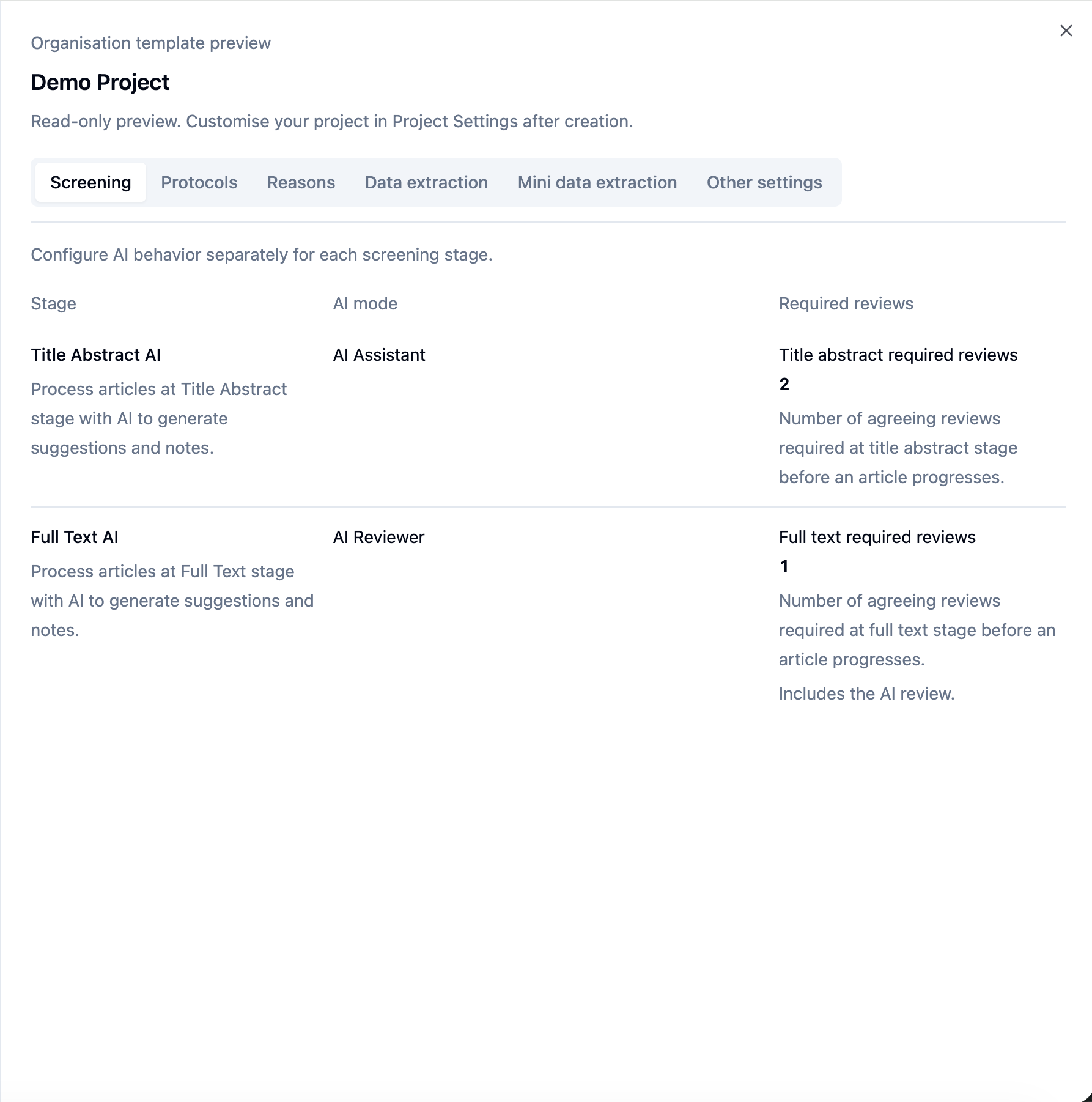
Create an independent project using the template’s saved settings.
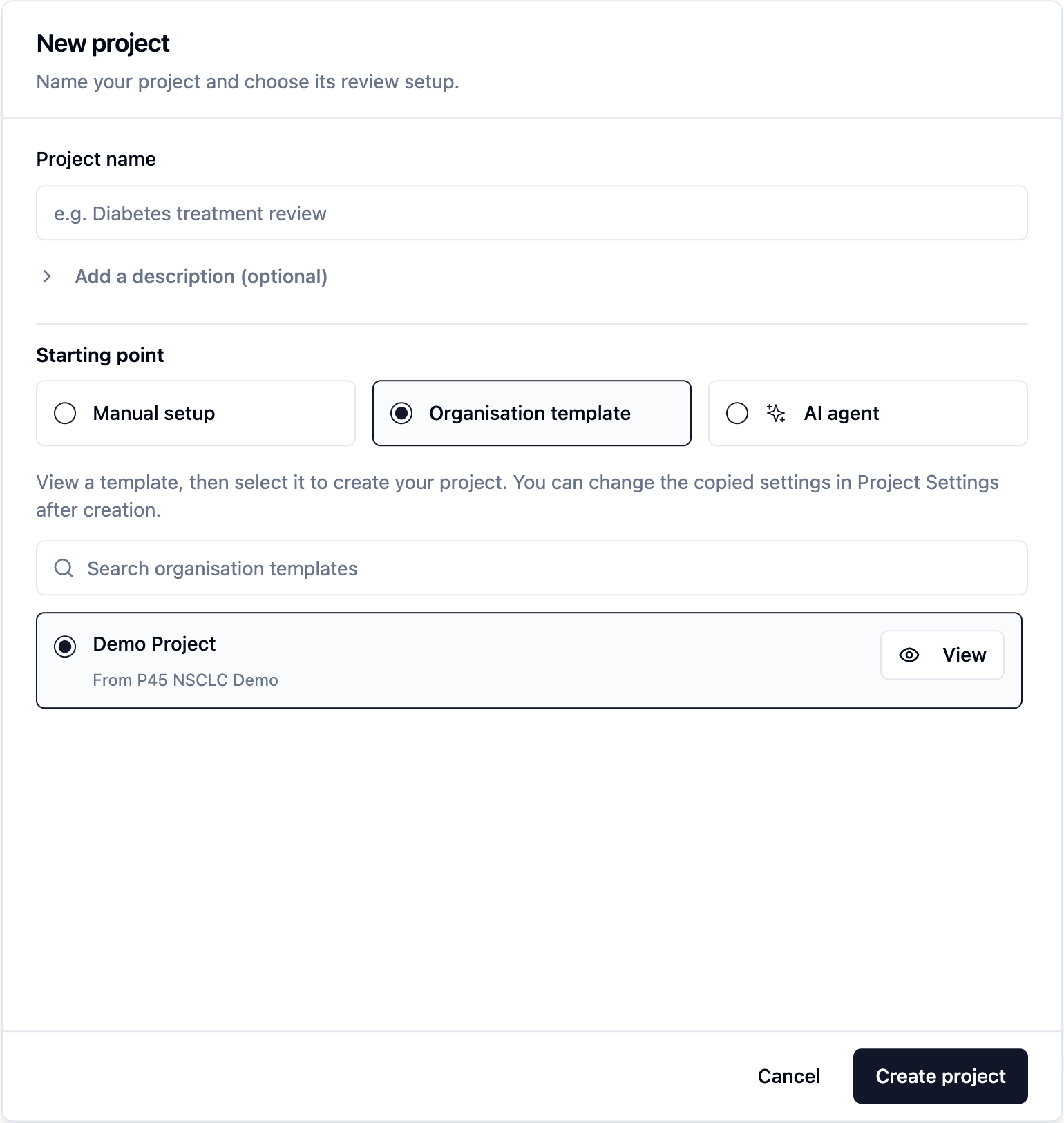
Later template updates do not change projects already created from that template.
Create and resume AI agent projects
Start with a research question, PubMed search scope, and Auto-run preference.
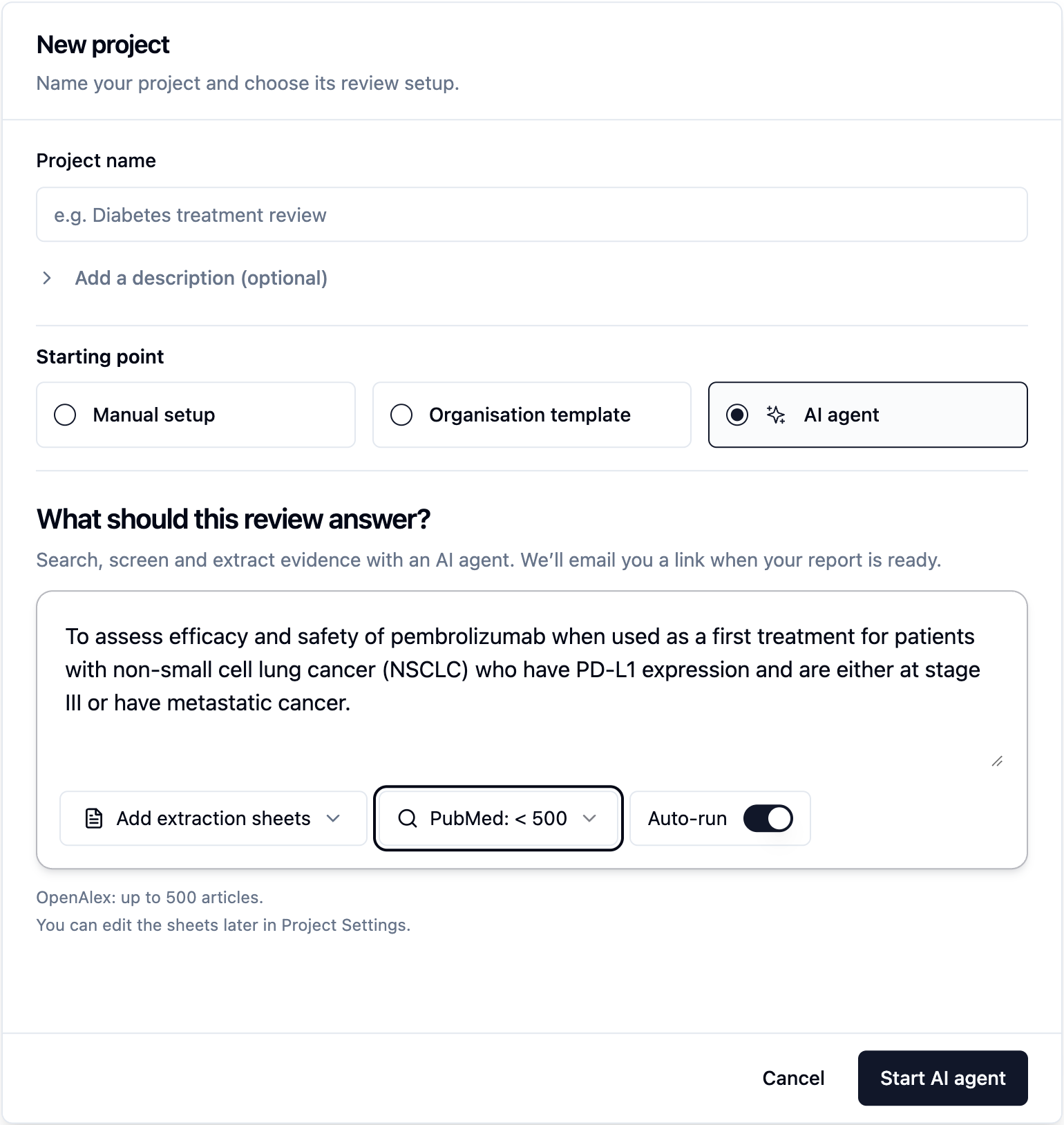
Choose extraction forms from built-in or organisation templates.
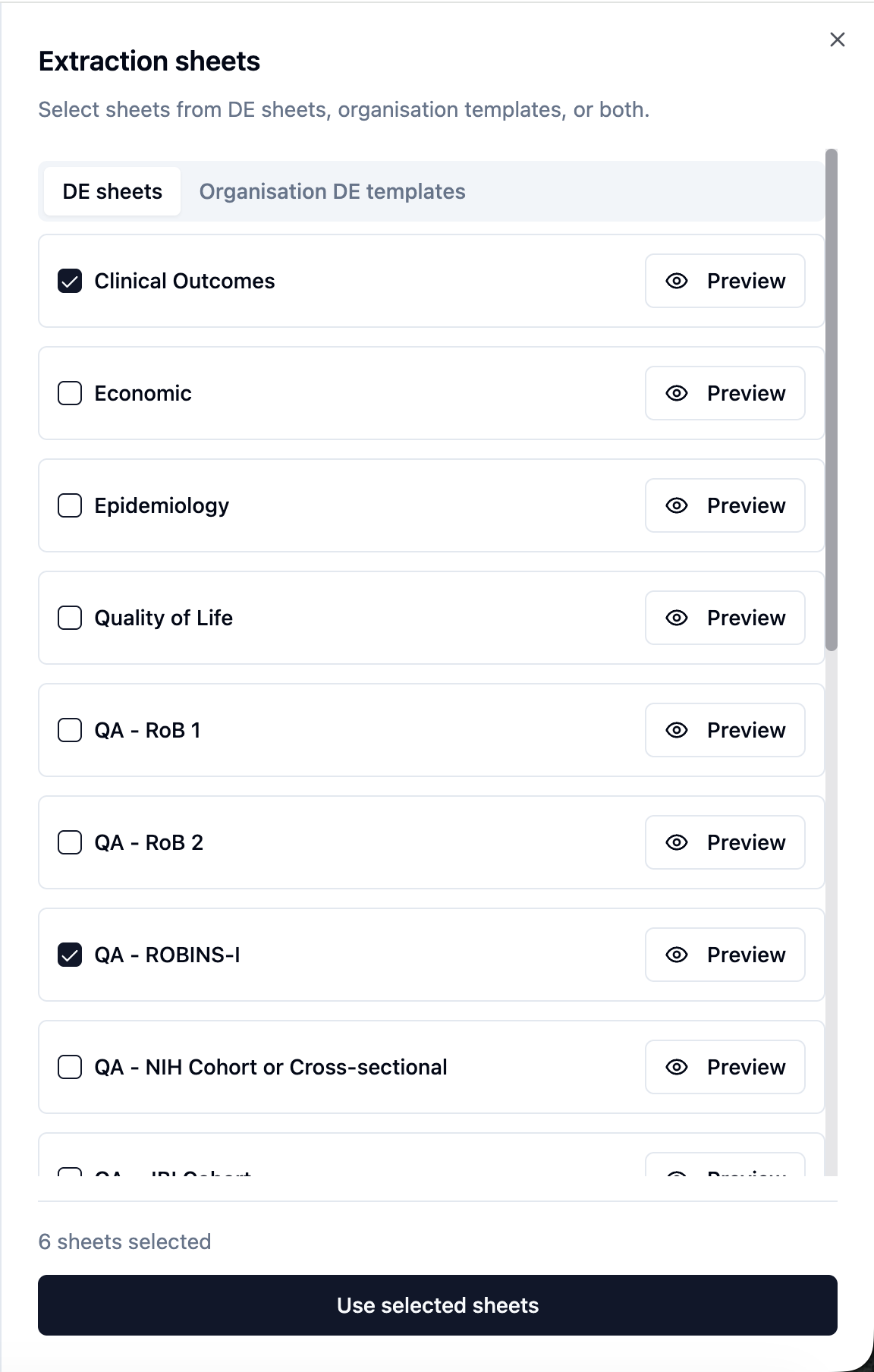
The project and extraction form are saved before the first AI stage is queued.
The data extraction form can be edited later within the project.
Updated AI agent workspace
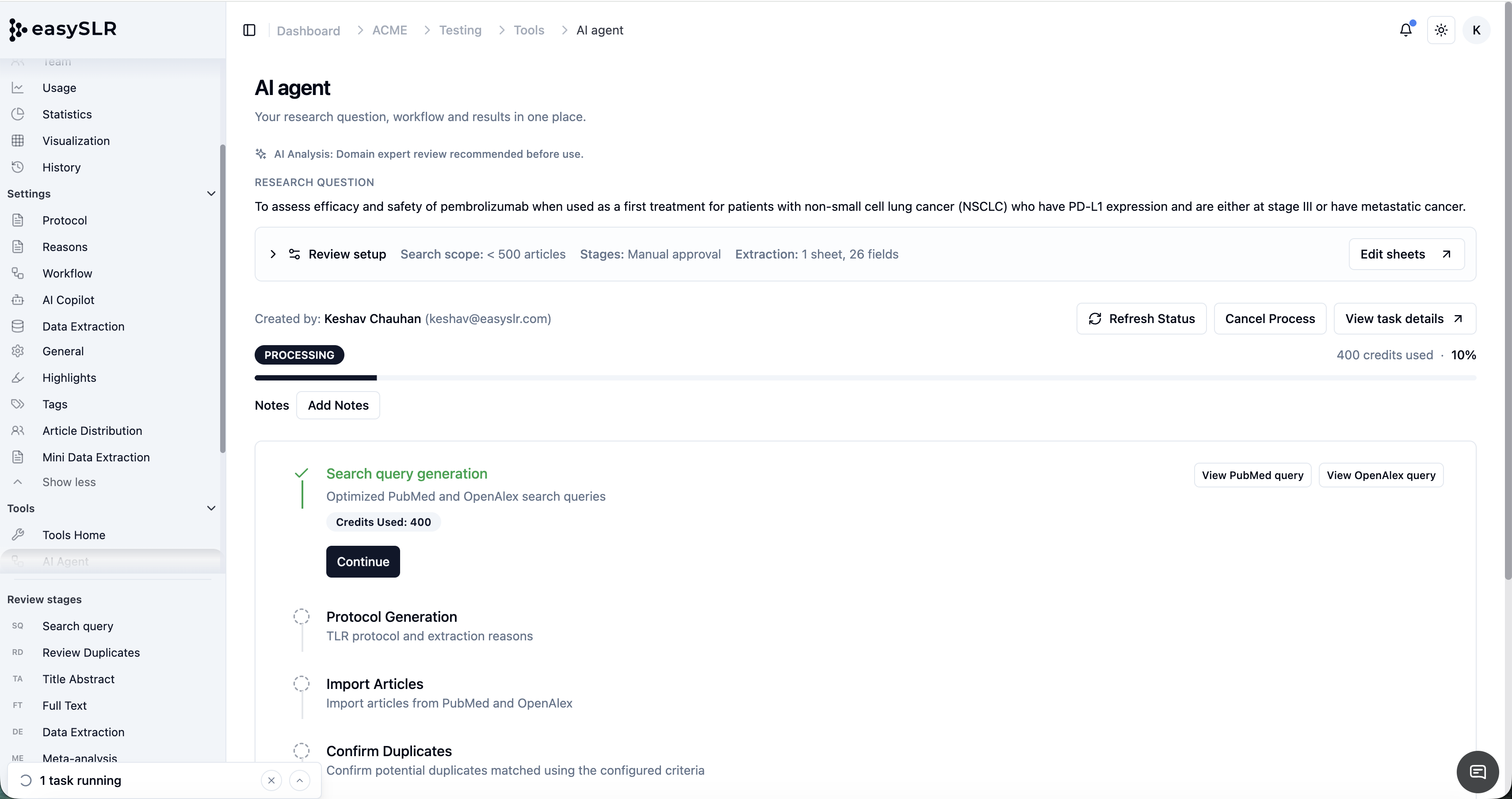
Use Refresh Status to check the run’s current status.
Use Cancel Process when your permissions allow it.
See who created the run, edit notes, and view task details.
View errors affecting the overall workflow.
Permissions and copied data
Project Owners and Lead Reviewers can save project settings as a template.
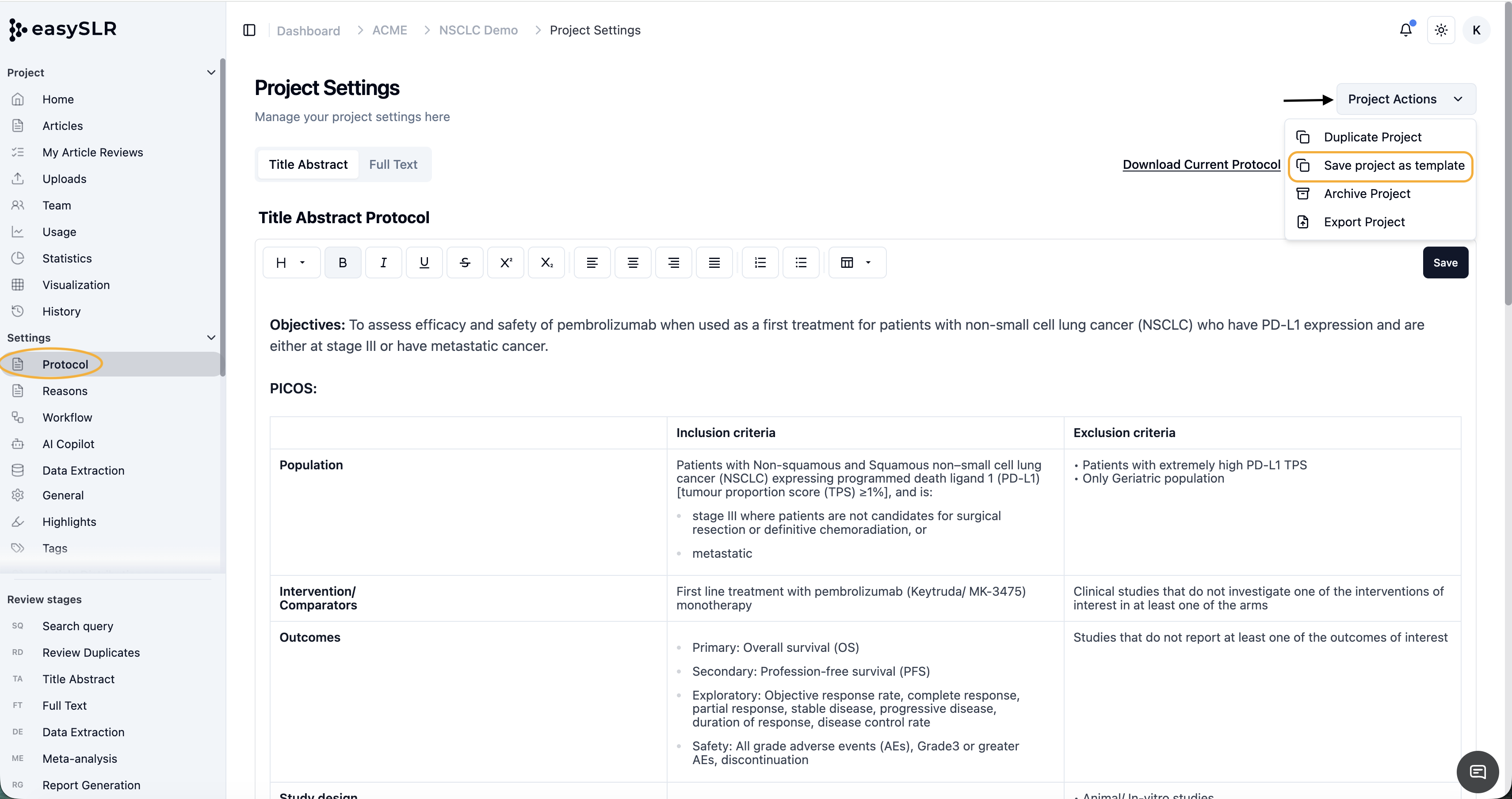
Organisation Owners and Admins can view or archive organisation templates.
Existing project-creation, subscription, demo, access, timestamp, and audit checks remain in place.
Templates include reusable settings, protocols, reasons, and extraction forms. They exclude articles, files, reviews, membership, billing, usage, and smart-tag vocabulary.
Project exports include smart-tag vocabulary but exclude organisation templates.