Go Back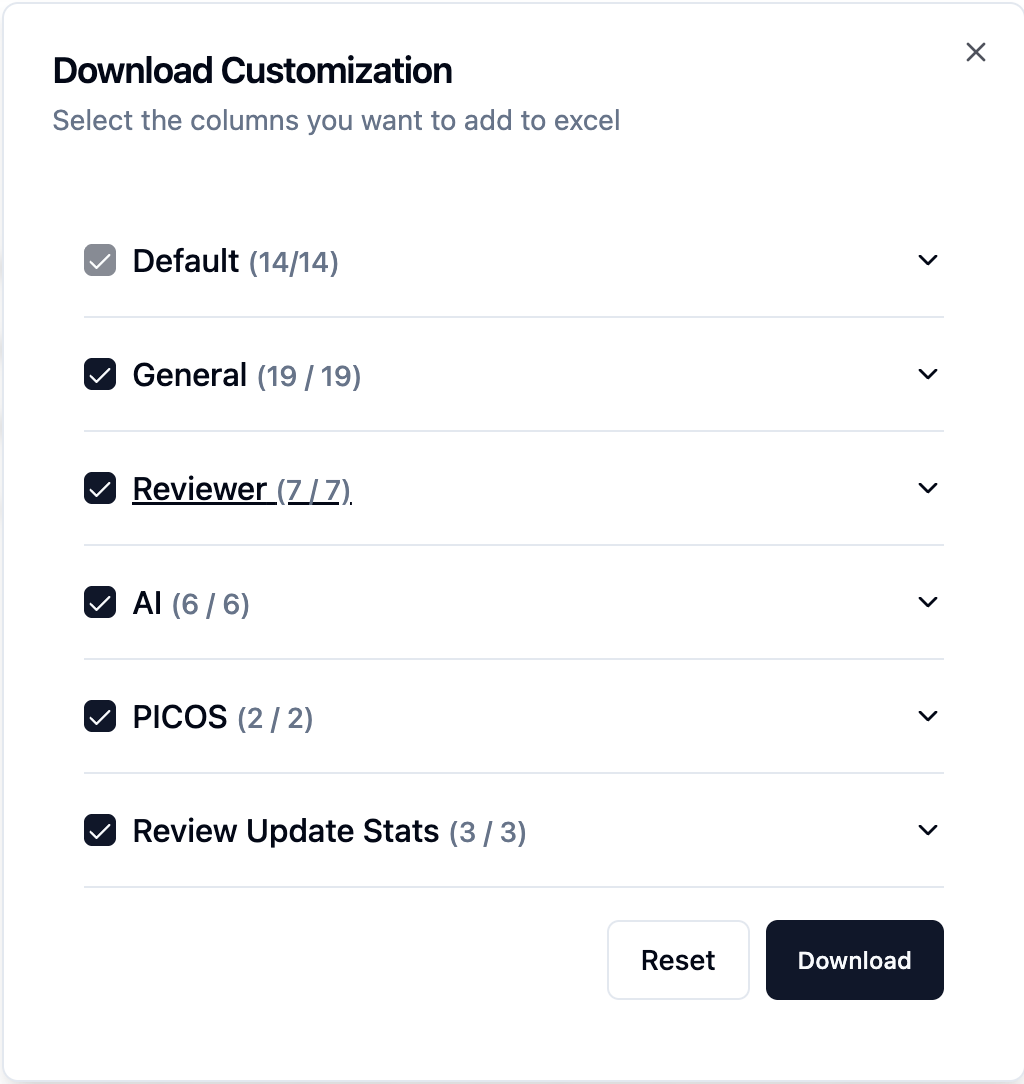
Customisable Excel Export
EnhancementChangelog
We’re excited to introduce the option to download custom fields in excel file— giving you more control over how your project data is exported from EasySLR.
With this addition, users can now customise the content of Excel downloads to suit their reporting, analysis, or documentation needs.
How It Works
Go to your Articles tab.
Click on the Download dropdown.
Select the desired fields, and data sections to include.
Click download Excel.
The system will prepare a tailored Excel sheet with your chosen configuration.
Download and use it for reporting, analytics, or documentation purposes.