Credit Check Before Running Bulk PDF Upload Using AI & Direct PDF Upload to Data Extraction
A new pre-upload credit validation has been added to Bulk PDF Upload Using AI and Direct PDF Upload to Data Extraction (DE).
This enhancement ensures that the system verifies whether the organisation has sufficient AI credits before starting the upload process, preventing failed uploads and improving workflow transparency.
What’s New
Before initiating the upload process, EasySLR now checks if the organisation has enough AI credits to process the selected PDFs.
If the required credits are not available, the system immediately displays an error message and prevents the upload from starting.
This avoids unnecessary processing attempts and informs users about credit requirements in advance.
How It Works
Select PDFs for upload using:
Bulk PDF Upload Using AI, or
Direct PDF Upload to Data Extraction (DE).
The system calculates the total credits required based on the number of PDFs selected.
Before the upload begins, EasySLR verifies the organisation's available AI credit balance.
If sufficient credits are available:
The upload process proceeds normally.
If credits are insufficient:
The upload is blocked.
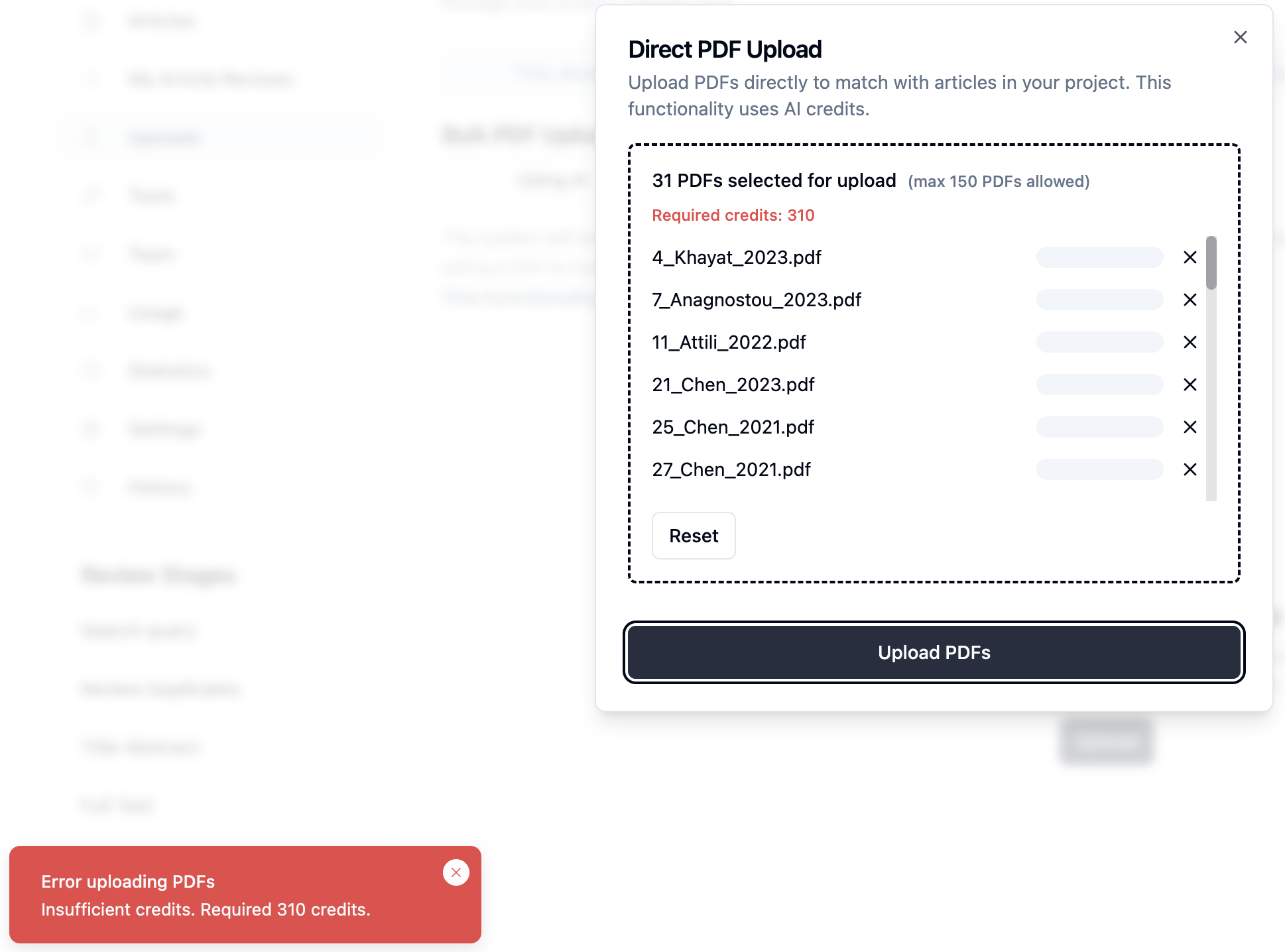
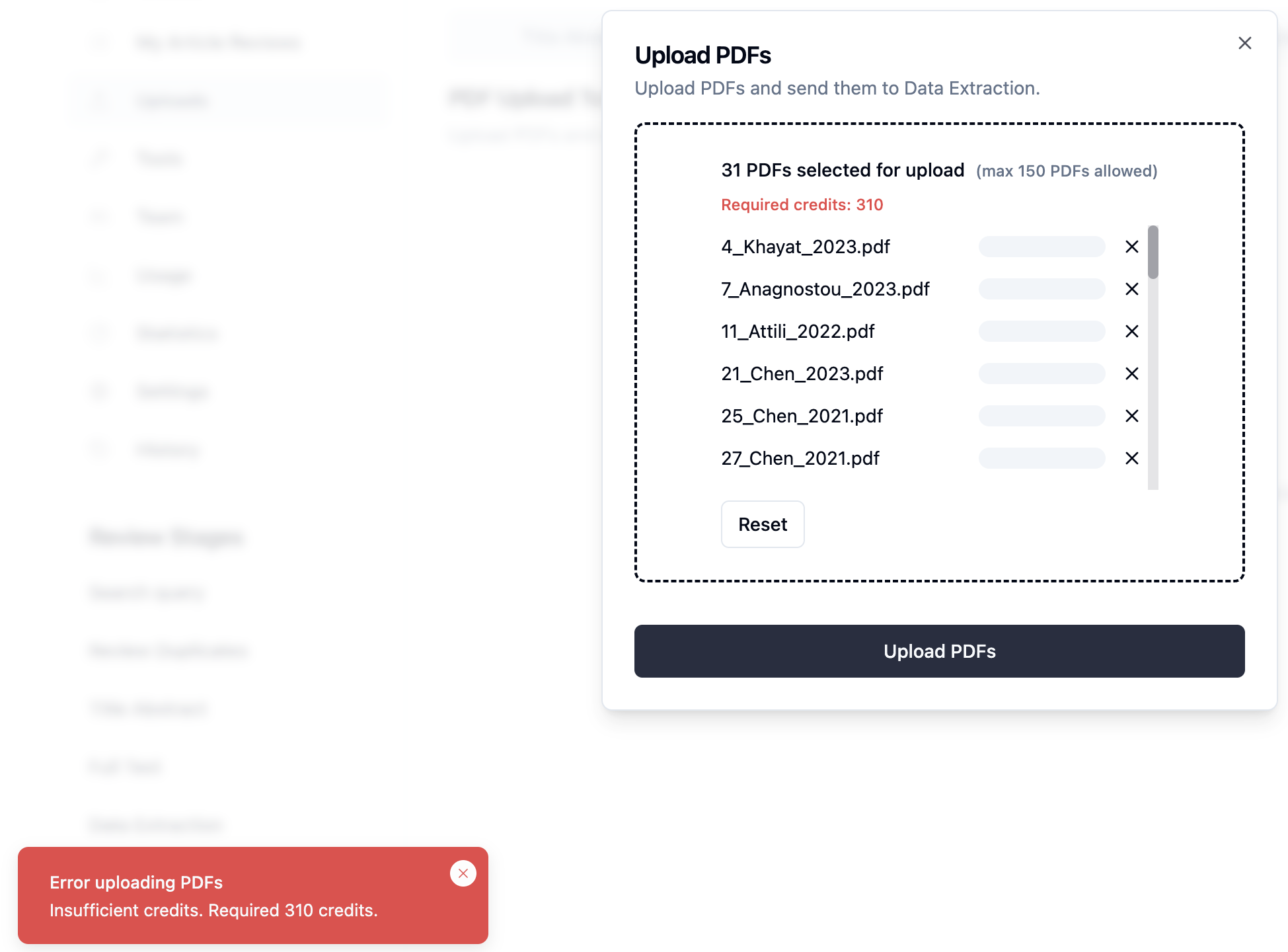
An error notification appears showing the required credits.
Error message example:
Error uploading PDFs
Insufficient credits. Required 310 credits.
Benefits
Prevents failed uploads due to insufficient credits
Provides clear visibility of credit requirements
Improves system efficiency by avoiding unnecessary processing
Enhances transparency in AI credit usage