Go Back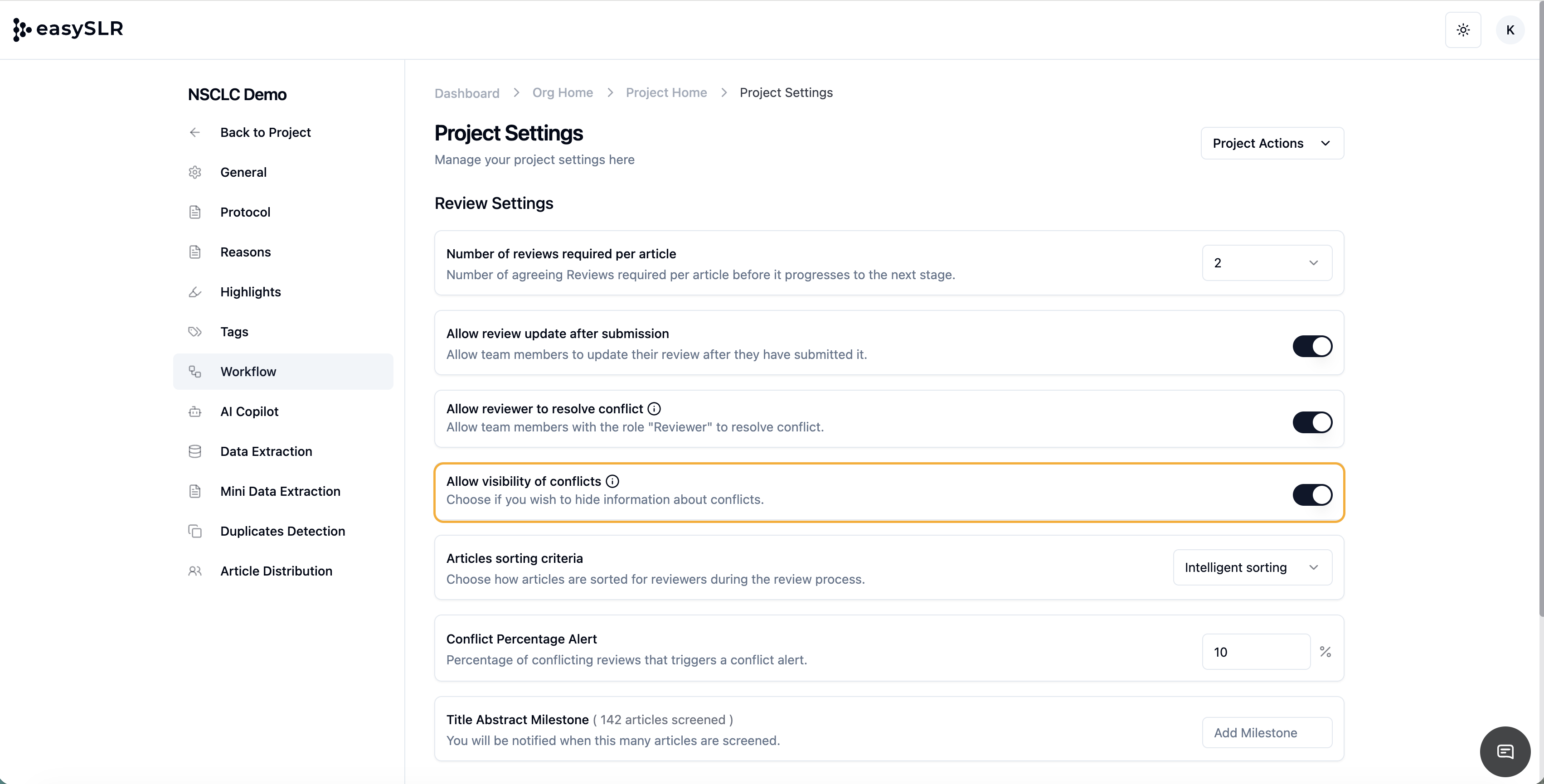
Conflict Visibility Settings
EnhancementChangelog
We’ve added a new project setting that gives project owners more control over how conflicts are managed and viewed within the workflow.
With the new “Allow visibility of conflicts” setting, you can now choose whether reviewers can see conflict indicators.
How It Works
Go to Project Settings → Workflow.
Locate the option “Allow visibility of conflicts.”
Toggle the switch:
ON: Reviewers can see conflict flags against articles.
OFF: Conflicts remain hidden; only the owner or Lead reviewer can view them.
Save the settings — the change applies instantly across all reviewer accounts in the project.