Go Back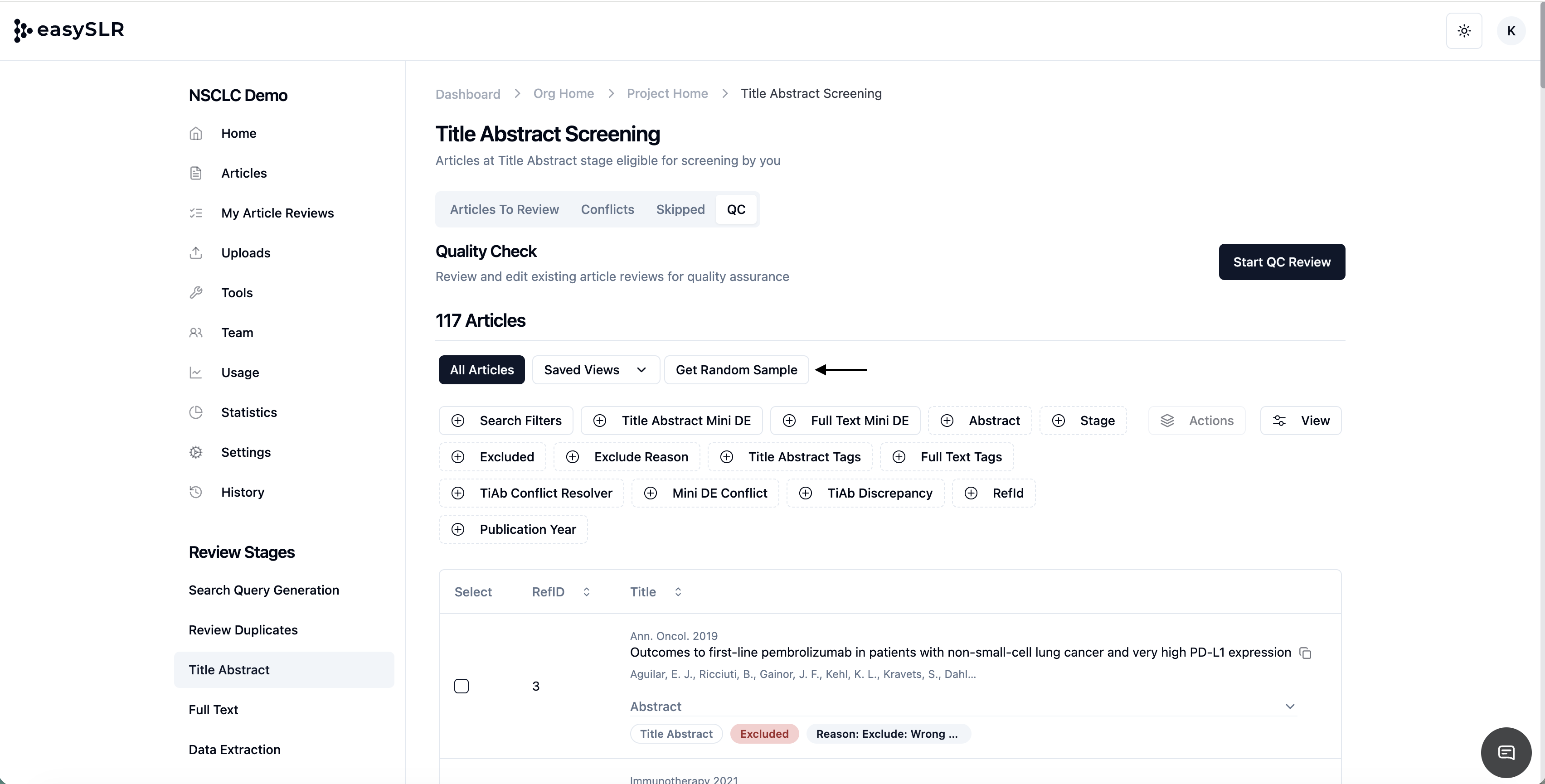
Built-in Random Sampling in QC
EnhancementChangelog
We’re excited to introduce Random Sampling — a new feature designed to make Quality Check (QC) faster, unbiased, and more efficient.
With Random Sampling, you can now automatically pull a representative subset of articles from your QC pool without applying multiple manual filters, helping you streamline review while maintaining transparency and rigor.
How It Works:
Select Random Sample: In the QC view, click on Get Random Sample.
Set Sample Size: Enter the percentage of articles you’d like to include in your sample.
View Saved Sample: EasySLR automatically saves your sampled view with a timestamp, so you can revisit it anytime.
Start QC: Click QC Filtered to begin reviewing your sampled set of articles.